Infrastructure Monitoring with Datto RMM

Datto RMM · Splashtop · MalwareBytes · MIDRANGE GROUP
Context
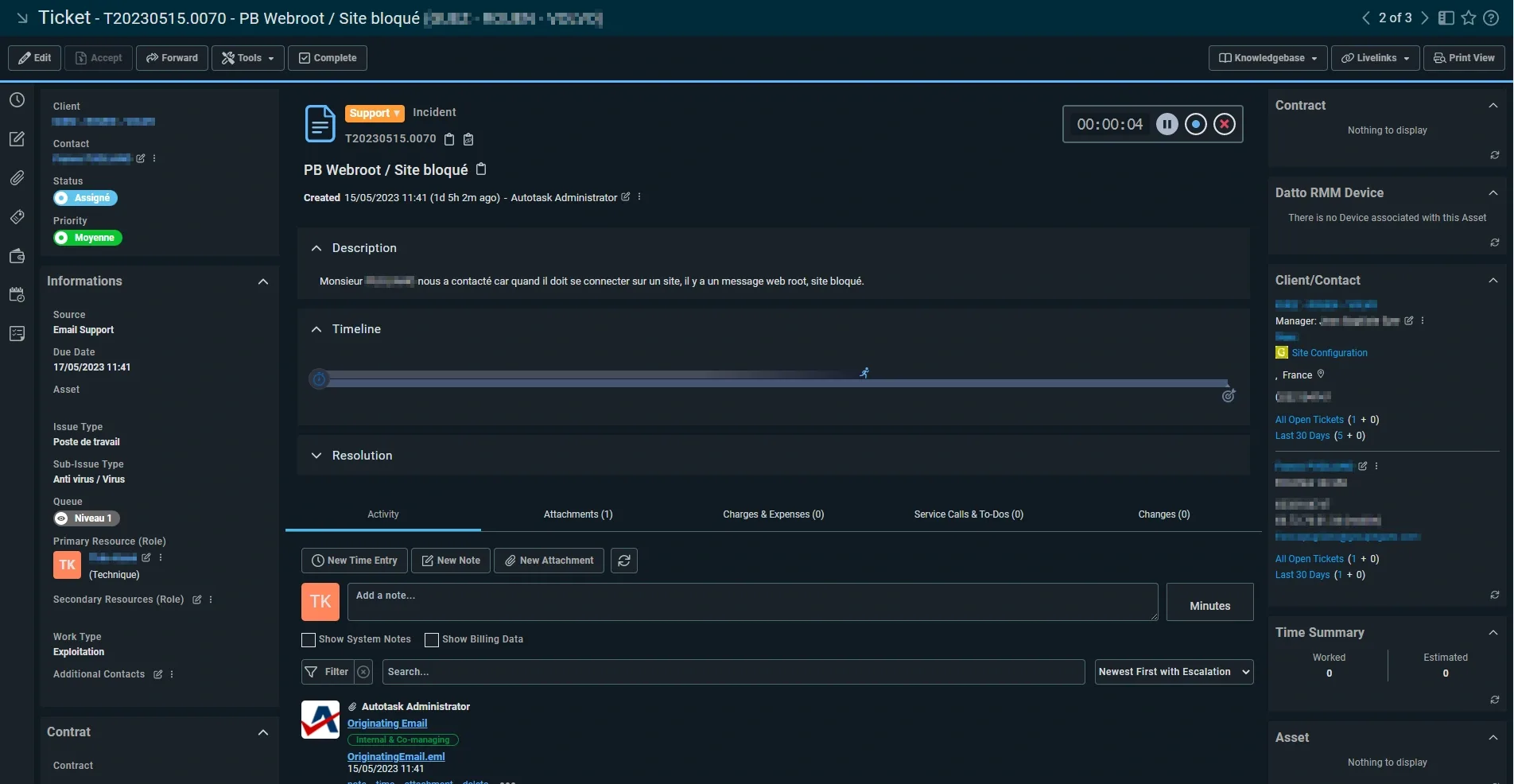
At MIDRANGE GROUP, a managed service provider (MSP) based in the Île-de-France region, I worked within the Exploitation team alongside Théo KACEL (Systems & Networks Administrator). The technical floor was split into two units: Technical Support (handling client calls, ticket creation, and L1/L2 resolution) and Exploitation (server maintenance, security, and L2/L3 escalation support). My role in Exploitation gave me direct hands-on access to the company's RMM platform.
Platform: Datto RMM
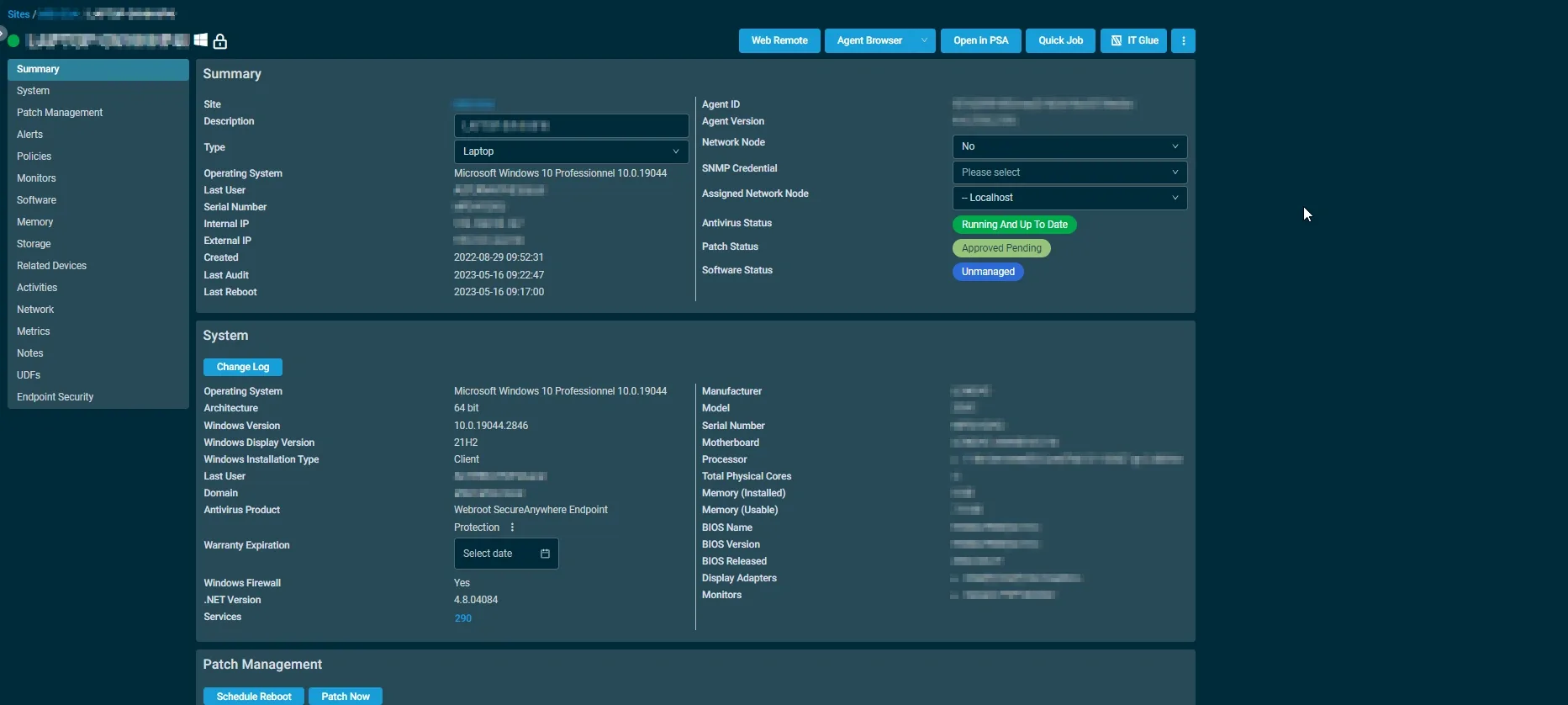
Datto RMM (Remote Monitoring and Management) is an enterprise-grade platform designed for MSPs and IT teams to remotely monitor and manage endpoints, networks, and systems at scale. I used its core capabilities day to day: real-time device health monitoring, automated patch management, software inventory, remote access, security status tracking, and job automation via Quick Jobs and policies.
Platform Details
- Devices monitored
- 550+ endpoints (desktops, laptops, servers) across multiple client sites
- Reference site
- MID-S0A (MIDRANGE GROUP internal site)
- Agent version
- 4.4.2195.2195
- Remote access tool
- Splashtop (integrated into Datto RMM)
- Antivirus
- Webroot SecureAnywhere Endpoint / MalwareBytes
Tasks Performed
On the Datto RMM platform, I carried out the following operational tasks: reviewed the Default Dashboard to assess the overall health of the managed fleet (offline device count by type, antivirus coverage across all sites); navigated device profiles to inspect hardware specs, OS version, patch status, and software inventory for individual endpoints; used the Quick Job feature to remotely deploy the MalwareBytes endpoint agent on targeted machines without requiring physical access or user interaction; and connected to client machines via Splashtop for remote troubleshooting and user support sessions.
Remote Access: Splashtop
Splashtop is integrated natively into Datto RMM and provides secure remote desktop access to managed endpoints. I used it for: remote technical support for end users (viewing and controlling the client's screen to resolve issues without physical presence); server management tasks (accessing and checking server configurations remotely); and collaborative troubleshooting alongside Théo on complex incidents affecting client infrastructure.
Impact
Antivirus coverage extended across the full monitored fleet (550+ devices), with remote deployment requiring zero on-site travel.
Outcomes
- Fleet visibility
- Real-time monitoring of 550+ devices with health, patch, and antivirus status at a glance
- Remote deployment
- MalwareBytes deployed to unprotected endpoints via Quick Jobs — zero on-site travel
- Remote support
- End-user issues resolved via Splashtop without physical intervention
- MSP operations
- Direct operational view of MSP work: multi-client management, SLA-driven support, tiered escalation
- Skills
- Datto RMM, remote monitoring, patch management, endpoint security, Splashtop, MSP workflows
Screenshots